
Download Blokada – ad blocker, tracker blocker, privacy protection, secure browsing, mobile security, free ad blocker
Overview
Blokada is a free and open-source mobile application designed to enhance digital privacy and security on Android devices. It functions as a comprehensive ad and tracker blocker, targeting intrusive advertisements, malicious domains, and data-tracking scripts across all apps and services. The software operates system-wide, meaning it does not rely on browser-specific extensions or app-level integrations. Instead, it leverages a centralized list of blacklisted domains to intercept and block network requests before they reach their destination. This approach ensures consistent protection regardless of the application being used, including social media platforms, video streaming services, and mobile games.
The target audience includes privacy-conscious users, individuals seeking to reduce data consumption, and those concerned about online tracking and digital surveillance. It is particularly useful for users who want to improve browsing speed and reduce background data usage without modifying their device’s root settings. Blokada is designed to work seamlessly across both Wi-Fi and mobile networks, offering real-time protection without requiring root access. The developer did not provide additional system requirements, and performance behavior under various conditions remains unspecified.
Key Features & Capabilities
- System-wide ad and tracker blocking – Blocks ads and tracking scripts across all installed apps, not limited to browsers.
- Integrated Wireguard-based VPN – Uses a local virtual private network to filter network traffic and prevent requests to blacklisted domains.
- Customizable blacklists – Allows users to manage and update domain blocklists, including the ability to add custom entries.
- Whitelist and exemption options – Enables users to allow specific websites or apps from being blocked.
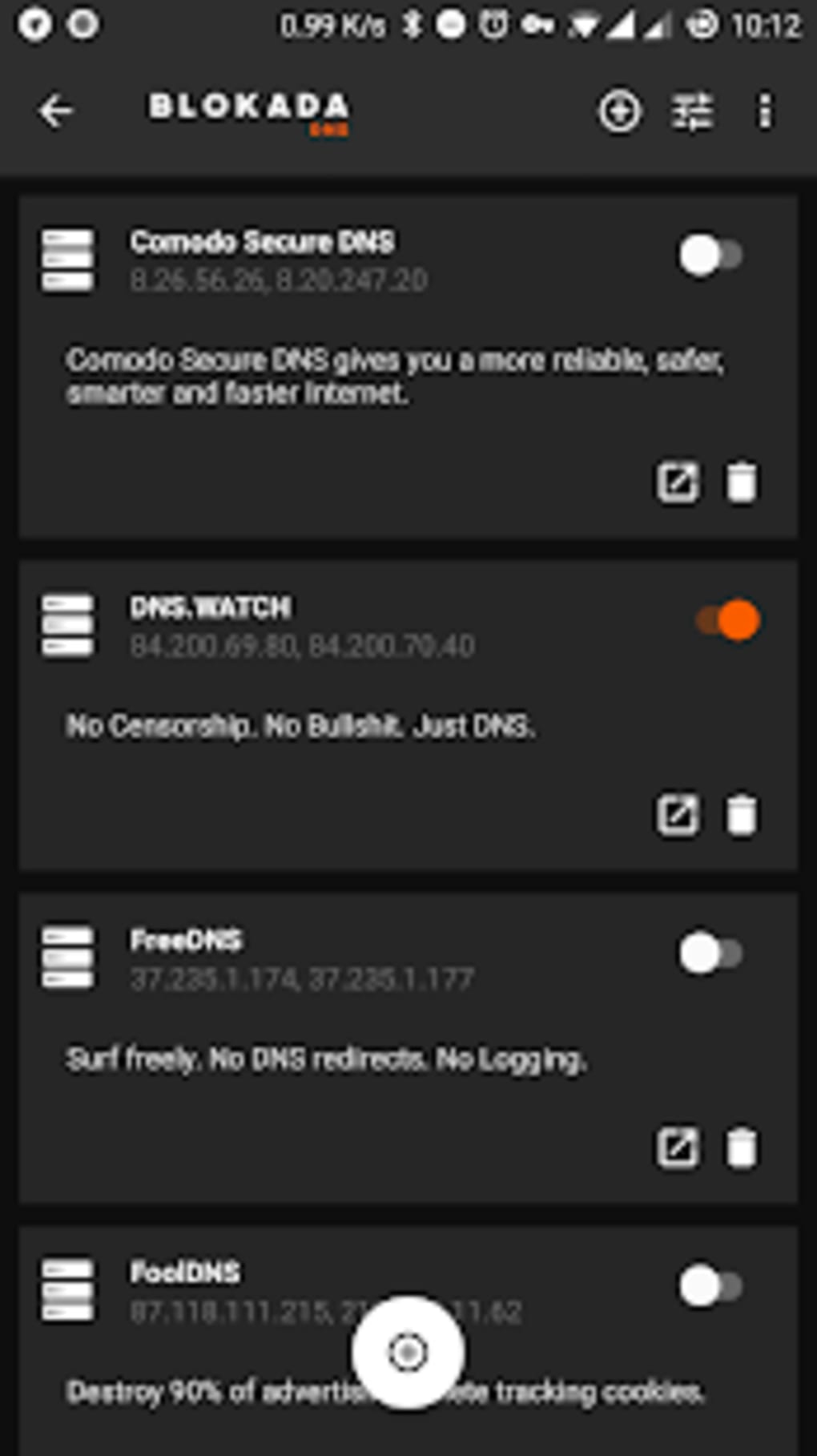
- DNS customization – Supports changing the device’s DNS server to enhance privacy and performance.
- Real-time block counter – Displays the number of blocked elements in the app interface, providing visual feedback on protection activity.
These features collectively contribute to a more secure and efficient mobile experience. For example, users can block in-app ads in games or prevent tracking on social media platforms like Facebook and Twitter. The DNS customization feature can be used to bypass regional restrictions or improve connection speed. The app’s ability to function without root access makes it accessible to a wide range of users, including those on standard Android devices.
User Interface, Workflow & Performance
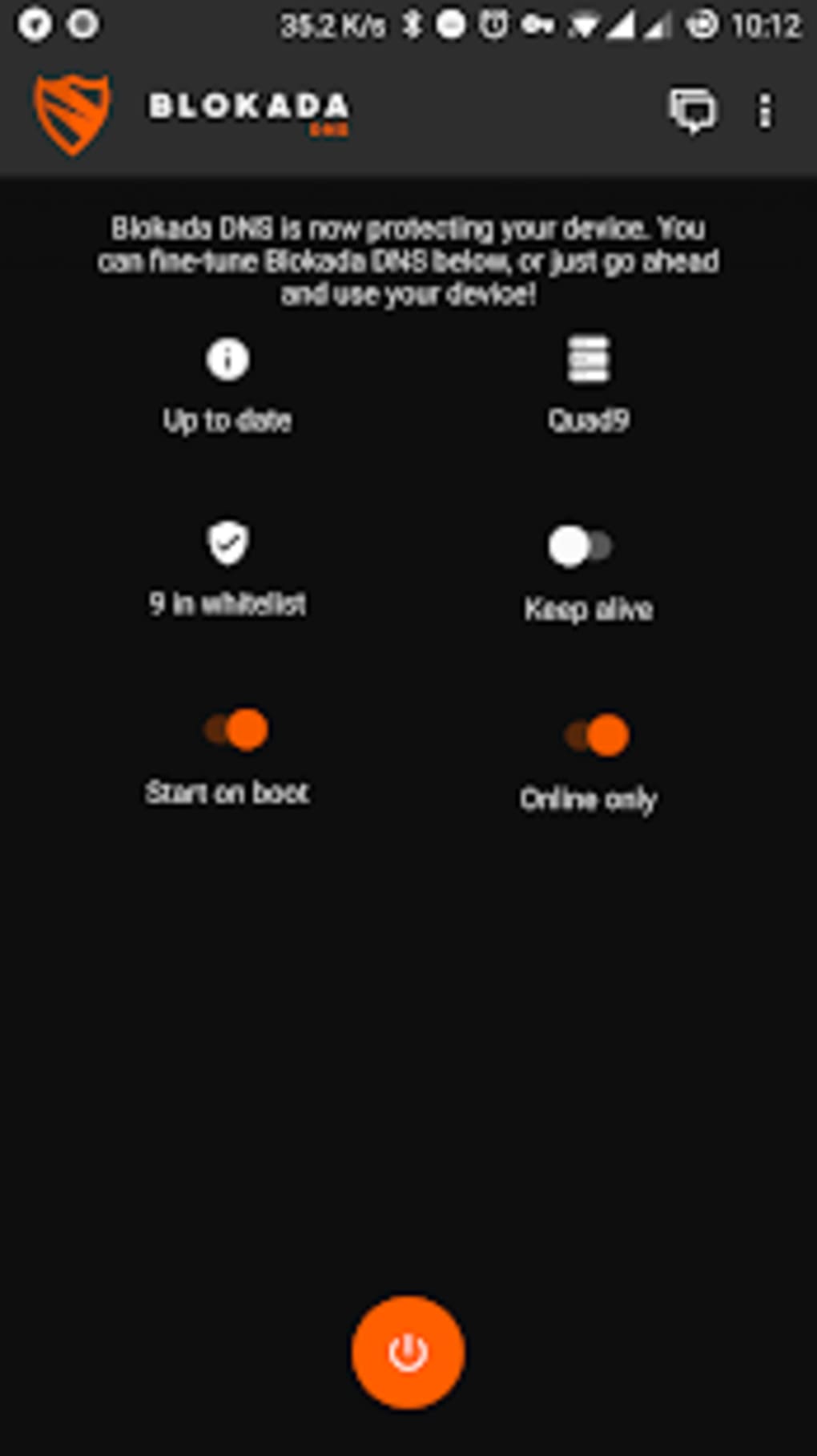
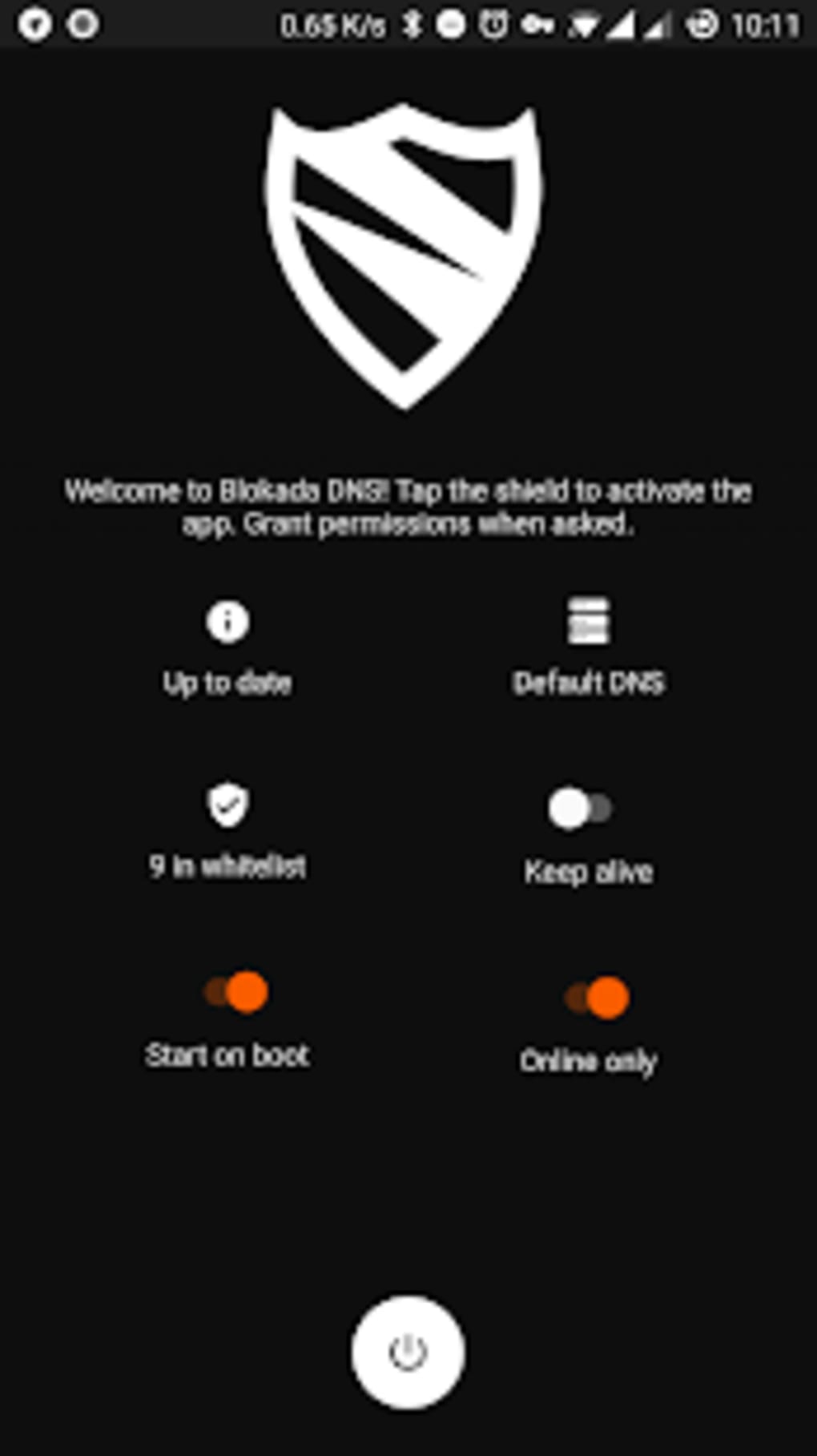
Blokada features a minimalistic and functional user interface, prioritizing usability and transparency. The main screen displays a simple toggle switch to activate or deactivate protection, along with a real-time counter showing blocked elements. Navigation is straightforward, with access to settings, blocklist management, and DNS configuration through clearly labeled menus. The workflow is efficient: users enable the app with a single tap and grant required permissions, after which protection begins automatically.
Performance details were not specified by the developer. However, the app is described as lightweight and compact, with a file size of 12.5 MB. The developer did not provide information on CPU or RAM usage.
General software behavior patterns suggest that the app maintains low resource consumption, especially during standby. The persistent notification, while intended to provide status updates, may be considered intrusive by some users. Stability and long-term performance under continuous use remain unverified in the provided data.
Compatibility & System Requirements
Blokada is designed for Android operating systems and supports devices running Android 5.0 (Lollipop) and later versions. The current version is 5.6.1, with a file size of 12.5 MB. The developer did not specify exact system requirements, including minimum RAM or processor specifications. Installation is available via the Google Play Store and F-Droid, both of which are widely used Android app distribution platforms.
Compatibility with third-party VPNs is limited, as Blokada uses its own integrated Wireguard-based solution. This means users cannot pair it with external VPN services. The app functions on both Wi-Fi and mobile data networks, ensuring consistent protection regardless of the connection type. No information was provided about support for tablet devices or other Android-based platforms.
Pros and Cons
Pros
- Free and open-source with transparent codebase
- System-wide protection across all apps, not just browsers
- No root access required for full functionality
- Lightweight and compact at 12.5 MB
- Supports DNS customization and whitelisting
- Regular updates and active developer community
Cons
- Persistent notification may be distracting
- Uses integrated Wireguard VPN, incompatible with third-party VPNs
- Performance resource usage not publicly documented
- May interfere with certain apps that rely on tracking or analytics
- Limited to Android platform
FAQ Section
Is Blokada compatible with all Android devices?
Blokada is designed for Android 5.0 and later. While it is compatible with most devices, exact compatibility may depend on individual system configurations and security policies. The developer did not provide a full list of supported models.
Is Blokada safe to use?
Yes, Blokada is open-source and regularly updated. It does not collect user data and operates locally on the device. The app requires network permission to function but does not transmit personal information.
Can I use Blokada with my existing VPN?
No, Blokada uses its own integrated Wireguard-based VPN. It is not compatible with third-party VPN services, as they cannot coexist with its internal tunneling system.
Does Blokada work on mobile data and Wi-Fi?
Yes, Blokada functions on both mobile data and Wi-Fi networks, providing consistent protection regardless of the connection type.
How often is Blokada updated?
The app is updated regularly. The latest version, 5.6.1, was released on May 10, 2024. Updates are aimed at improving security, fixing bugs, and maintaining compatibility with evolving threats.
Final Thoughts
Blokada stands out as a powerful, privacy-focused tool for Android users seeking effective ad and tracker blocking without root access. Its system-wide protection, open-source nature, and lightweight design make it a reliable choice for enhancing mobile security and reducing data usage. While the persistent notification and lack of third-party VPN compatibility may be drawbacks for some, the benefits far outweigh these limitations. The app is ideal for individuals who value transparency, control, and privacy in their digital experience.
For those looking for a free, secure, and customizable ad blocker that works across all apps, Blokada delivers on its core promise. Download Blokada now to take control of your online privacy and enjoy a faster, cleaner mobile experience.





.png)

